How a Finance Team Addresses GPU Thermal Constraints --(One of our client cases)
“Our GPUs Were Fast—But Never for Long”
This finance team runs GPU-heavy workloads every day. Risk analysis, fraud detection, real-time calculations—nothing exotic, but all time-sensitive.
Their setup was solid:
- High-end GPUs
- Enough CPUs and memory
- A climate-controlled server room
But in practice, things kept going wrong:
After a few hours under load, GPUs would heat up. Once temperatures crossed the limit, performance dropped automatically.
No crash. No warning. Just slower results.
What Thermal Throttling Looked Like in Real Life
Before fixing the chassis, this was normal for them:
- GPUs losing 20–30% performance during peak jobs
- Jobs finishing later than expected
- Fans running at max speed, all the time
- Higher power bills
- Engineers checking temps instead of working on real tasks
During busy hours, this meant:
- Delayed analytics
- Late reports
- Stress during trading windows
The hardware wasn’t broken. It just couldn’t breathe.

The Real Problem: The Chassis Was Holding Everything Back
At first, they tried the usual fixes:
- Adjusting fan curves
- Lowering GPU power limits
- Spreading workloads
None of that solved the root issue...
The problem wasn’t the GPUs. It was the server chassis.
Their old cases weren’t designed for:
- Multiple high-power GPUs
- Continuous full-load operation
- Clean airflow in dense racks
Hot air stayed inside. GPUs recycled their own heat.
The Change: Switching to a OneChassis GPU Server Chassis
Instead of adding more cooling outside the rack, they changed inside the rack.
They replaced the old enclosures with a OneChassis GPU server chassis, built specifically for multi-GPU systems.
What was different?
- Clear front-to-back airflow
- Proper spacing between GPUs
- Fans designed for pressure, not just noise
- Cleaner cable routing so air could actually move
- Redundant power supplies that didn’t block airflow
Just smart, practical design.
Before vs After: Switching to OneChassis GPU Server Chassis
| Category | Before (Standard Chassis) | After (OneChassis GPU Server Chassis) |
| GPU Temperature (Full Load) | Frequently near thermal limit | 12–18°C lower under same load |
| Thermal Throttling | Occurred daily during peak jobs | Completely eliminated |
| GPU Performance | 20–30% performance drop after hours | Sustained full performance |
| Job Completion Time | Unpredictable, often delayed | ~20% faster and consistent |
| Fan Behavior | Always running at max speed | Stable, adaptive fan speed |
| Noise Level | High, constant | Noticeably reduced |
| Power Consumption | Higher due to inefficient cooling | Lower and more stable |
| System Stability | Occasional slowdowns and reboots | No heat-related downtime |
| Engineering Effort | Manual temp checks, tuning | Minimal monitoring needed |
| Hardware Stress | GPUs & PSUs under constant heat | Extended component lifespan |
| Area | Before | After |
| Peak-Hour Reliability | At risk | Stable and predictable |
| Downtime Risk | Medium to high | Near zero (thermal-related) |
| Maintenance Effort | Reactive firefighting | Routine, planned maintenance |
| Infrastructure Cost | Rising (cooling + power) | Controlled and optimized |
What Actually Changed
| Component | Old Setup | OneChassis Setup |
| Airflow Path | Mixed, obstructed | Clear front-to-rear airflow |
| GPU Spacing | Tight, heat overlap | Optimized GPU spacing |
| Internal Cabling | Blocking airflow | Clean, structured routing |
| Fan Design | Generic | High-pressure server fans |
| Power Layout | Heat + cable congestion | CRPS redundant PSU layout |
Why They Chose OneChassis
They didn’t need a custom science project. They needed something that worked:
- It’s designed for real GPU workloads, not generic servers
- Airflow and layout are built for density
- It fits standard racks and power setups
- It supports future GPU upgrades
- It solved the problem without rebuilding the whole system
The Takeaway
Thermal throttling wasn’t a GPU problem. It was an airflow problem, and airflow starts with the chassis.
A OneChassis GPU server case turned an unstable system into a reliable one—without changing CPUs, GPUs, or software.
Need more stability in your rack? Let’s talk.
If your GPUs slow down after a few hours; if fans are always screaming, or if performance feels inconsistent—
The fix might be simpler than you think.
 When AI Becomes A Threat, Infrastructure Becomes the Front Line
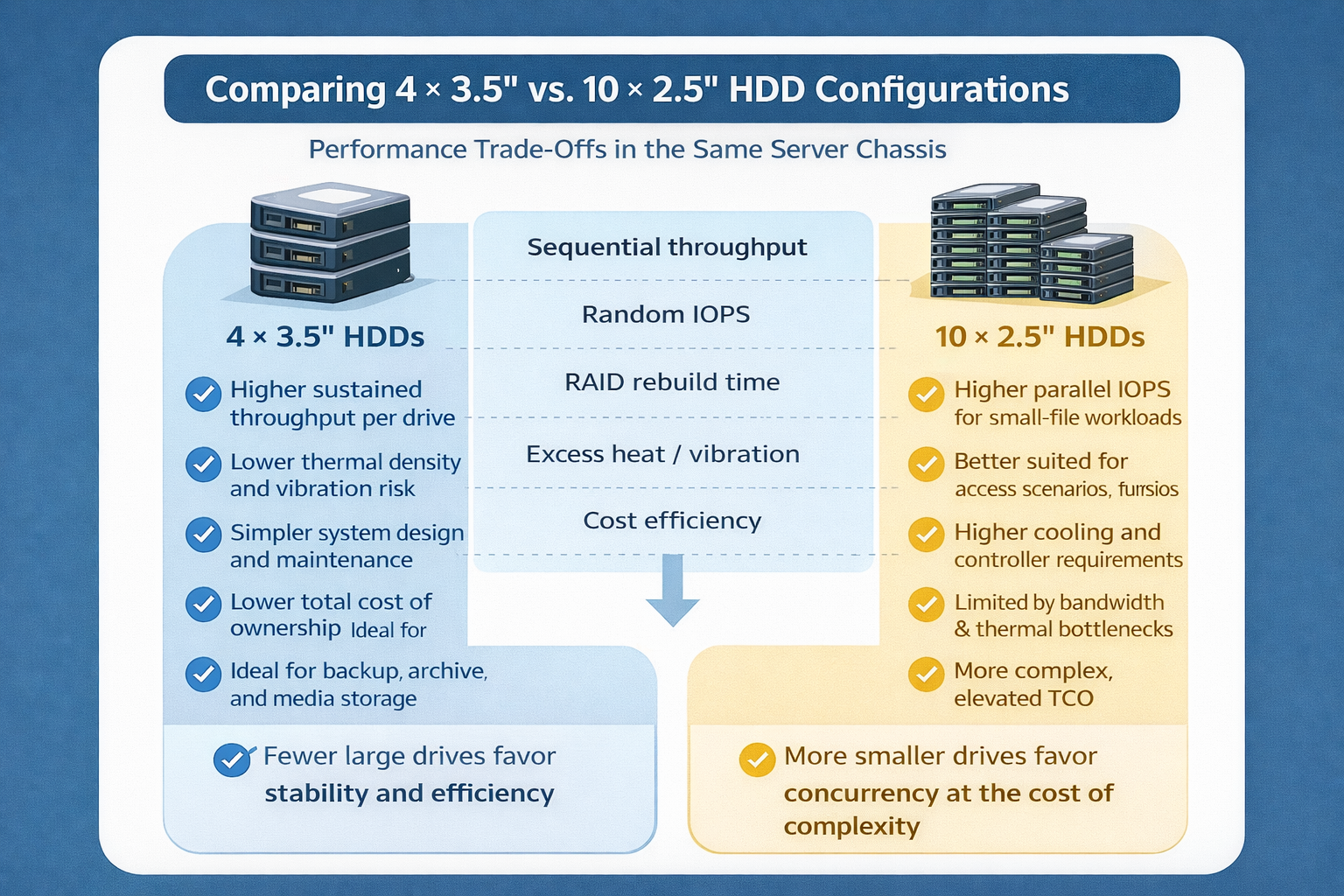 Storage Density Choices in the Same Server Chassis
 Welcoming 2026: Building the Next Year of AI Infrastructure Together
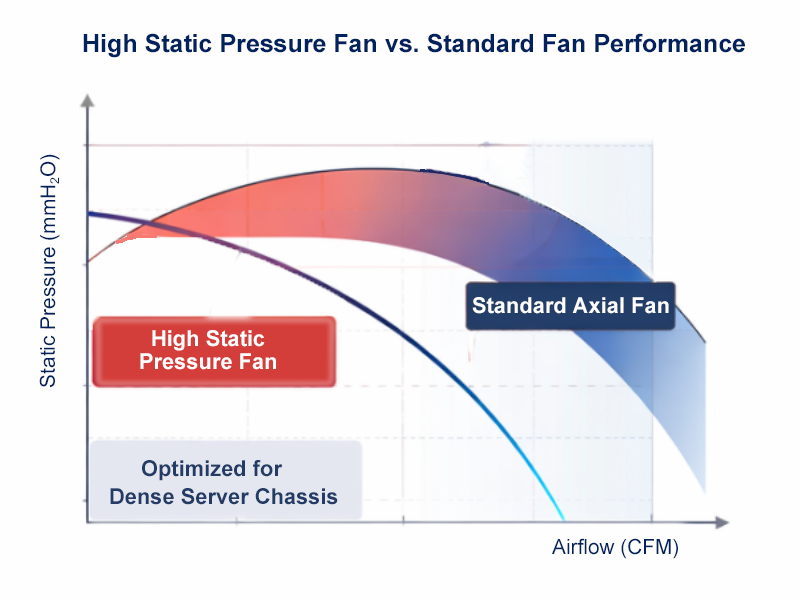 How We Design Thermal Paths: Airflow, Static Pressure & Fan Zones